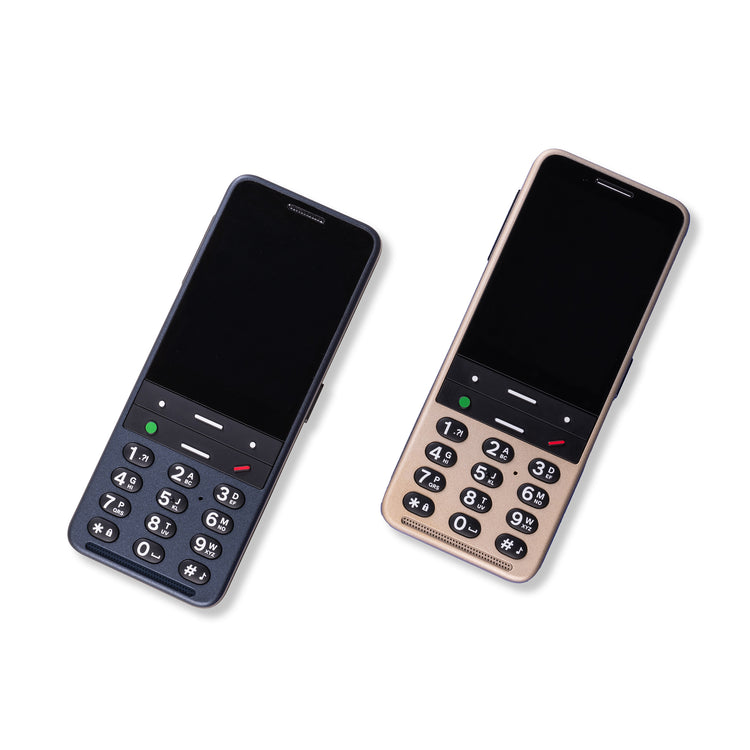
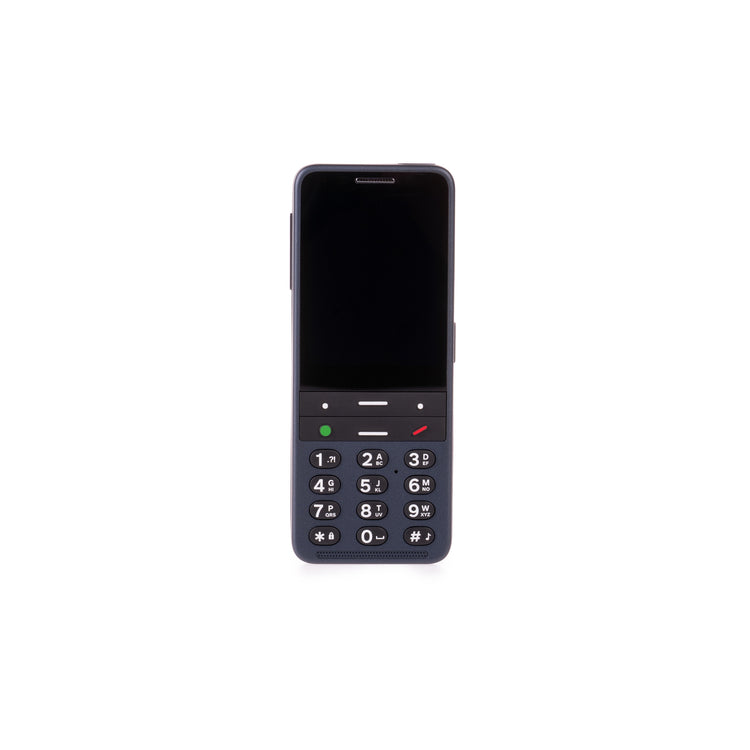
The BlindShell Classic 3 is packed with useful functions while being simple to use out of the box. Entirely menu-based and using a minimal number of tactile buttons, the BlindShell Classic 3 removes a lot of the complexity of smartphone use for blind and partially sighted users – no need to learn VoiceOver or TalkBack or complicated swipe gestures.
Optional apps include a voice recorder, weather updates, radio, podcast and book player, calendar, and reminders.
The BlindShell Classic 3 has all the popular features of the BlindShell Classic 2 plus exciting new features such as the Luna natural-language voice assistant (similar to Siri or Alexa), the Observo app, touchscreen navigation of mainstream apps, ability to download mainstream and experimental apps, and Tandem remote connection for support purposes.
Luna is a voice assistant that allows you to control your phone. When the AI feature is enabled, you can ask questions you're curious about, and Luna will provide you with the best possible answer.
You can use Luna to:
The Tandem app was designed by the BlindShell team specifically for blind and partially sighted users and keeps you connected with family and friends anytime, anywhere through chat, calls, and video calls. Tandem also allows remote-control assistance so that loved ones can help you remotely with phone settings or more complex apps. Friends and family can download Tandem to their iOS and Android devices to connect to you.
Observo helps you understand what’s in your photos. Whether it’s a person, an object, or a full scene, Observo uses AI to describe images out loud, so you always know what’s in the photo.
Practical uses of Observo include:
Please note that an internet connection is required for Luna and Observo to work.
This feature-packed phone also lets you stay in touch with friends and family via WhatsApp; watch your favourite videos on the YouTube app; browse the web; download apps from the BlindShell app catalogue and set up easy, touch-of-a-button access to your favourites.
For third-party apps you can use the touchscreen (please note, the touchscreen only works with third-party apps) or you can use the keypad if you prefer.
BlindShell Classic 3 also has:
You can also make conference calls, use the SOS button to contact your assigned emergency contact; use Facebook Messenger; play Pexeso, Hangman, or use the dice roller; listen to books, music or internet radio; manage email; set an alarm; check your calendar; and get the weather forecast.
When you buy this phone, you can access a free 30-minute remote training session to help get you started. Call VisionAid on 0800 002 5555 to book your remote training session.
Important
RNIB Technology Grant Scheme
This device is available to purchase with support from the RNIB Technology Grant Scheme; we’re able to fund up to a maximum of £350 towards the cost of a BlindShell smartphone – additional terms and conditions apply. Other items available under the grant include video magnifiers, RNIB PENfriend 3, kitchen equipment, phones, and DAISY players. For further information, visit rnib.org.uk/grants or call 0303 123 9999.
Battery and charger
Technical data
Important
Please use Ofcom's mobile phone coverage checker to ensure you will have the coverage you need in your most-used locations (such as home, work, etc).
In the box
Special order
We work with partners to deliver products on our behalf. If you’re buying a special order product, we will pass on your contact information to our partners to enable delivery. We may also quote extended delivery times, outside of our standard terms and conditions for these products.
Important – order cancellations and returns
We are unable to cancel your order once it has been placed should you change your mind.
You are £300.00 away from free shipping